
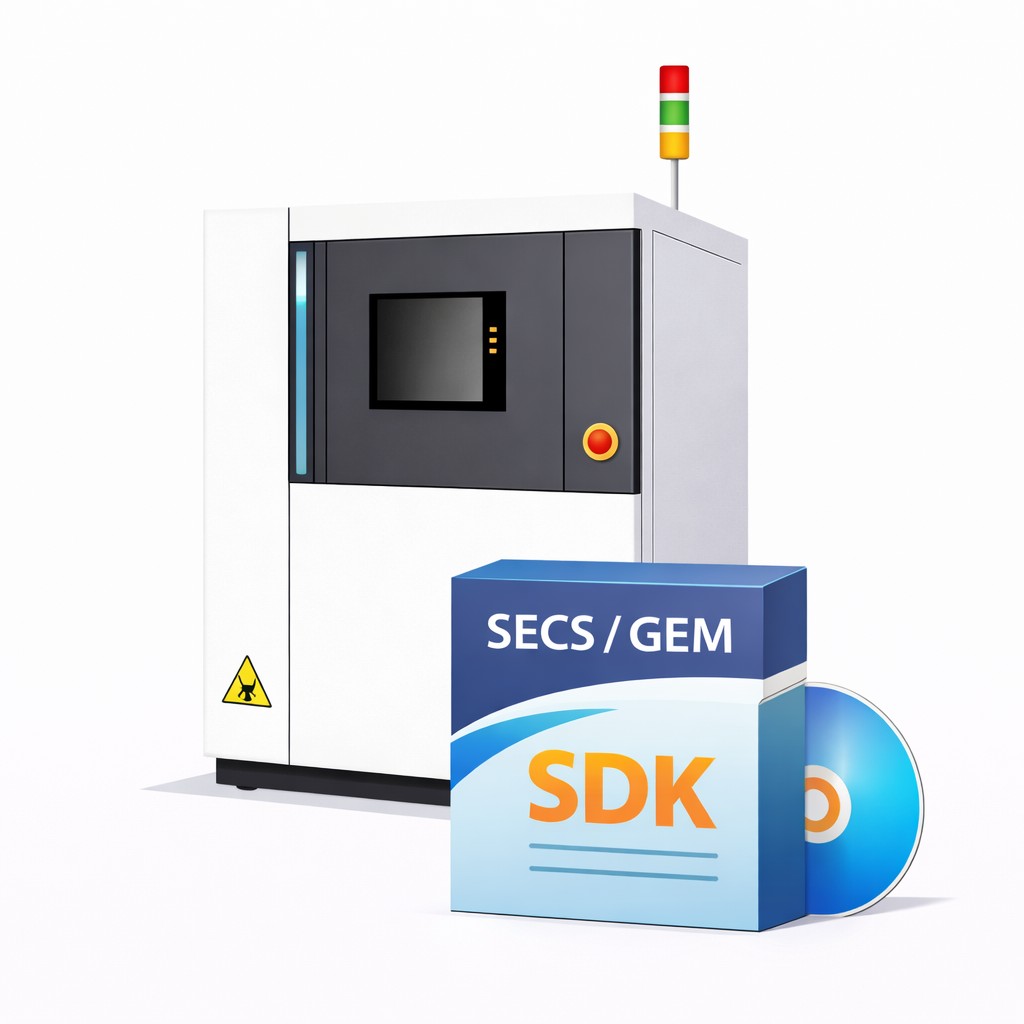
Choosing the right SECS/GEM SDK is one of the most important decisions an equipment OEM makes. The wrong choice can cost months of development time, create ongoing maintenance headaches, and delay your equipment’s entry into production fabs.
This guide covers the key criteria to evaluate when selecting a SECS/GEM SDK for your equipment.
1. Developer-Friendly SECS/GEM SDK API
The SDK should abstract SECS/GEM protocol complexity behind a clean, modern API. Look for:
- Async/await and event-driven patterns — not low-level byte manipulation
- Strong typing and IntelliSense support for your development environment
- Clear separation between your equipment logic and SECS/GEM communication
A developer-friendly API means your engineers spend time on equipment functionality, not decoding SECS-II message structures. Your team should be able to send a collection event or handle a remote command in a few lines of code — not hundreds.
2. Automatic State Machine Management
SECS/GEM defines several mandatory state models — Communication, Control, and Processing states. GEM300 adds even more (E87 carrier states, E90 substrate states).
Managing these state machines manually is error-prone and time-consuming. A good SDK should:
- Handle state transitions automatically based on incoming messages
- Validate transitions against the SEMI standard rules
- Persist state across equipment restarts (especially critical for GEM300)
If you’re manually coding state machine logic, you’re solving a problem the SDK should solve for you.
3. Automated GEM Reference Manual Generation
Every GEM-compliant equipment must ship with a GEM Interface Reference Manual, as defined by SEMI. This document includes:
- GEM compliance statement
- Complete SECS-II message documentation
- State model diagrams
- Lists of all status variables, equipment constants, data variables, alarms, collection events, and remote commands
Creating and maintaining this document manually takes weeks — and it must be updated every time you add a variable, event, or alarm. Look for an SDK that generates this document automatically from your equipment configuration, ideally in one click.
4. Built-In SECS/GEM Simulator
You need to test SECS/GEM communication before connecting to a real factory host. A good SDK should include a host simulator that:
- Emulates the host side of SECS/GEM communication
- Supports standard message flows (establish communication, data collection, alarm management, remote commands)
- Allows you to validate your GEM implementation offline
Without a simulator, you’re dependent on factory access or third-party tools for testing — which slows down development significantly.
5. Visual Configuration Tool
Configuring GEM services — defining SVIDs, DVIDs, CEIDs, alarms, remote commands — can involve hundreds of data points. An SDK with a visual configuration tool (sometimes called a Model Builder) lets you:
- Define all GEM data items through a point-and-click interface instead of code
- Import and organize equipment variables visually
- Reduce configuration errors compared to manual coding
This is especially valuable when your equipment has dozens of process variables and collection events.
6. GEM300 Upgrade Path
Even if you only need basic SECS/GEM today, consider whether the SDK supports GEM300 standards (SEMI E87, E90, E94, E116) for future requirements. Fabs increasingly require GEM300 compliance for 300mm equipment.
The ideal SDK lets you upgrade from SECS/GEM to GEM300 with minimal code changes — not a complete rewrite.
7. Comprehensive Sample Programs
Sample programs accelerate development by showing you exactly how to:
- Establish communication with the host
- Handle collection events and alarms
- Implement recipe management
- Process remote commands
Look for complete, working samples — not just code snippets. A round-trip sample that demonstrates the full SECS/GEM workflow from connection to data collection is far more valuable than isolated function examples.
8. Multi-Platform and Multi-Language Support
Consider your deployment environment:
- Does the SDK support Windows and Linux?
- What programming languages are supported — C#, VB.NET, C++, Python, LabVIEW?
- Is containerization (Docker/Kubernetes) supported for modern deployments?
Choose an SDK that matches your engineering team’s existing skills and your equipment’s target platform.
9. SML Logging and Troubleshooting Tools
When something goes wrong in the field, you need visibility into the SECS/GEM message exchange. Look for:
- Built-in SML (SECS Message Language) logging
- A log viewer for analyzing message sequences
- Clear error reporting for timeout, rejection, and protocol violations
Good diagnostic tools save hours of debugging during integration and field support.
10. Vendor Track Record and Support
SECS/GEM is a niche domain. Choose a vendor with:
- Proven installations across multiple fabs and equipment types
- Responsive technical support from engineers who understand SECS/GEM
- A track record of keeping up with evolving SEMI standards
- Active product development and updates
Summary
The right SECS/GEM SDK saves months of development, reduces compliance risk, and gives your team a reliable foundation for factory integration. Focus on these criteria:
- Developer-friendly API that abstracts protocol complexity
- Automatic state machine management
- One-click GEM reference manual generation
- Built-in simulator for offline testing
- Visual configuration tool
- GEM300 upgrade path
- Comprehensive working samples
- Multi-platform support
- SML logging and diagnostics
- Proven vendor with SECS/GEM expertise
NxSphere® GEM delivers all of these capabilities in a single SDK. Learn more or request a free 30-day evaluation.